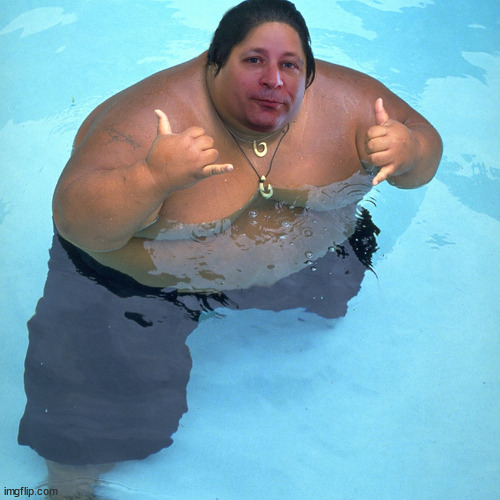
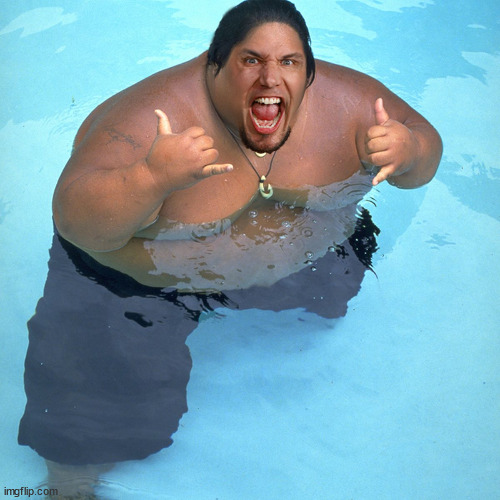
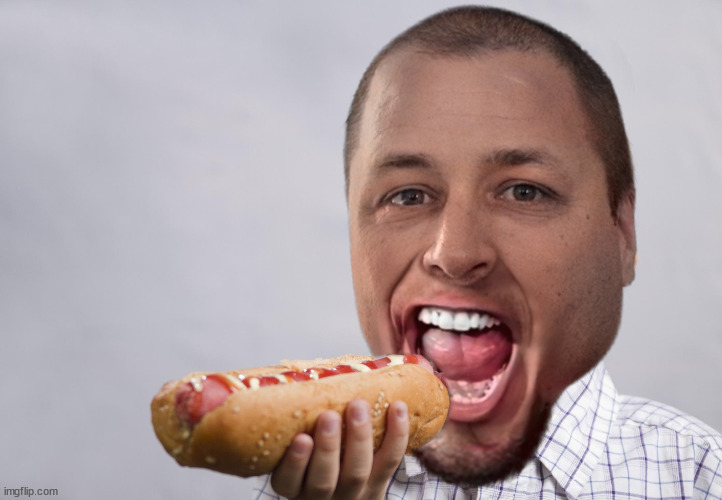
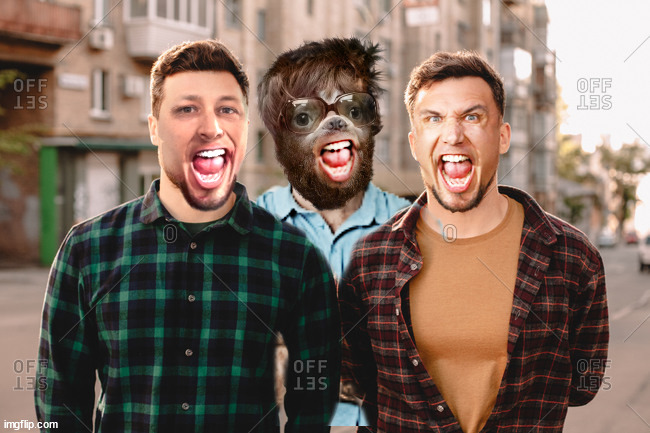
Shoop SHOOP Dat BIGWAVERIDER R.I.P. Brother

this is really nicely done.
good work indeed.
@Arqueto ...... when I have time this year, I'd like to posthumously honor Mike by learning GIF shoops as I have (as yet) not done that & I kinda told him I had the intention of branching out from non-GIF stuff. So.... maybe at some point you could guide me along on that. I also don't (yet) know After Effects and that's kinda on my list of things to learn too.

Of course bud. I will help you out with whatever you need. I have lots of good tutorials but I can make you some stuff too to help you out.

Learning to make some shorter basic stuff in PS first and then moving on to After effects is definitely the way to go as once you understand making GIFs frame to frame, then the other stuff helps you go even further.
 
Of course bud. I will help you out with whatever you need. I have lots of good tutorials but I can make you some stuff too to help you out.

Learning to make some shorter basic stuff in PS first and then moving on to After effects is definitely the way to go as once you understand making GIFs frame to frame, then the other stuff helps you go even further.
thanks mate. I have Photoshop CS6 and also Photoshop 2020 (v 21.2.2). Don't have CC but I hope v21.2 is enough to do what I want with regards to GIF stuff. I'm quite familiar with the concept of animation etc, and have shot and edited video in my time.
I can....ha ha....acquire After Effects without too much trouble.
 
thanks mate. I have Photoshop CS6 and also Photoshop 2020 (v 21.2.2). Don't have CC but I hope v21.2 is enough to do what I want with regards to GIF stuff. I'm quite familiar with the concept of animation etc, and have shot and edited video in my time.
I can....ha ha....acquire After Effects without too much trouble.

V21.2.2. is perfect and has all you need. Sounds like you have a lot of the skills already then bud. It will be a breeze for you and if you can edit video too then that will be a massive help. This is from the shoop tutorial thread and it was Mike's update on how to make a basic gif.


It's always better to use video than making a gif from a gif but you can do it, that is how I learned at first but the quality will be bad so using video is always better and that way you don't need to worry about setting your frame rate.

After Effects will help you make larger gifs with the tracker and you can mask stuff in there too although I tend to use PS to do my masking. I do use both though and there are more advanced techniques like rotoscoping for using tracking to create a mask.
 
Thanks brother!

I like the superhero theme, since Mike was a Shooperhero.

Shooperhero. I like that bud. Mike was definitely Shooperman

m6xrQhM.gif
 

I've been hypnotized by this for the last 2 dayz... finally snapped out of it. :D
Is his right hand moving slightly? I can't make out if it's just an optical illusion.

<Dany07>
Edit: I still can't paste gifs correctly. @giovanni_ss grateful if you could work your magic again. Thank you!


Imgur has a menu on the right, where you can copy your link as a gif.

If you can't find that... try just right clicking the video file... & then when you paste it... just change the end tag from whatever it is to .gif (in this case, I did a right click/copy video link... & then changed .MP4 to .gif here it is below.

Lae5dvr.gif


Outstanding gif brother!!!

It's always better to use video than making a gif from a gif
gifs will just get more & more saturated with your images dulling... but they can also create anomalies... that are weird. Mike told me it's due to some kind of coding.

Here's an example of DC's chicken dance where I had kind of a kool anomaly happen.
2Fae68k.gif


Mike Kamakawiwo'ole
6oebab.jpg


Frank Kamakawiwo'ole
6oebvk.jpg
Mike had a lot of love for him & we spent a good hour or 2 talking about him & watching videoz when he passed away.
 
I've been hypnotized by this for the last 2 dayz... finally snapped out of it. :D
Is his right hand moving slightly? I can't make out if it's just an optical illusion.

No movement in the hand bud it must just be the text spinning that's creating that illusion.

gifs will just get more & more saturated with your images dulling... but they can also create anomalies... that are weird. Mike told me it's due to some kind of coding.

Here's an example of DC's chicken dance where I had kind of a kool anomaly happen.
2Fae68k.gif

Gif is only capable of displaying a max 256 colours. It's crazy that nobody has come up with something better at this point for looping images.

With the Cormier gif it looks like all the previous layers were left turned on when you made the gif. It does look pretty cool though.
 
With the Cormier gif it looks like all the previous layers were left turned on when you made the gif. It does look pretty cool though.
Strangely that wasn't the case. I went to Mike with it & hashed it out for a good hour or so, but after being stumped... Mike's take was that gifs often come with different coding & when you shoop it, that coding moves forward into your shoop.

Here's another one for the record... that I made for a contest... & I was frantically trying to get rid of the white outline around the big eagle... & other anomalies right up till one second before it waz due when I just said "fook it" & let it ride.

That thing at the end where the white eagle was behind a white outlined Khabib... & the way Khabib faded out in white... also wasn't anything I intended.

fIpd6RN.gif


Since I'm hard-headed & never learn my lesson about finding video to work with... :D Here's another contest entry where I was scrambling right up to the last second for submission. :rolleyes: (shut up @Otto! :p)

That part where Herb comes in to stop it wasn't anything I intended... but kind of cool too though, so maybe letting it ride made it better. (that's what I tell myself.)

WiC2mlf.gif


They were both dun in Photoshop CS6 though... so I'm not sure if later versions handled this sort of thing better.
 
Strangely that wasn't the case. I went to Mike with it & hashed it out for a good hour or so, but after being stumped... Mike's take was that gifs often come with different coding & when you shoop it, that coding moves forward into your shoop.

Here's another one for the record... that I made for a contest... & I was frantically trying to get rid of the white outline around the big eagle... & other anomalies right up till one second before it waz due when I just said "fook it" & let it ride.

That thing at the end where the white eagle was behind a white outlined Khabib... & the way Khabib faded out in white... also wasn't anything I intended.

fIpd6RN.gif


Since I'm hard-headed & never learn my lesson about finding video to work with... :D Here's another contest entry where I was scrambling right up to the last second for submission. :rolleyes: (shut up @Otto! :p)

That part where Herb comes in to stop it wasn't anything I intended... but kind of cool too though, so maybe letting it ride made it better. (that's what I tell myself.)

WiC2mlf.gif


They were both dun in Photoshop CS6 though... so I'm not sure if later versions handled this sort of thing better.

The white outline stuff probably comes from the 'Matte' setting in PS when exporting the gif but again it does look cool with the way Herb comes in. Maybe it is just something in CS6 and if Mike couldn't figure out what was going on then that is crazy as he's a genius with all that type of stuff.
 
You're sniffing around the right butts here <Lmaoo> because it doesn't look like that in my session. It's only when I export it.

That has to be it. If you change the matte setting to none in the export options it would get rid of it. The matte part defines the colour it uses to blend transparent pixels against.

j3mNNon.gif


:D
 
That has to be it. If you change the matte setting to none in the export options it would get rid of it. The matte part defines the colour it uses to blend transparent pixels against.

j3mNNon.gif


:D
<DCWhoa>
Vs0FFqR.gif
<DCWhoa>

My fades are all fooked because I had to compensate for the anomaly, but that definitely would've solved my problem!!! (I turned Matte to "none")
d3PmT8F.gif

lol... crap job I did cutting out the big eagle... lol. I was still pretty new to Photoshop though and this project was way bigger than I had time available. (excusez right? Shut up @Otto! :D)
 
Last edited:
<DCWhoa>
Vs0FFqR.gif
<DCWhoa>

My fades are all fooked because I had to compensate for the anomaly, but that definitely would've solved my problem!!! (I turned Matte to "none")
d3PmT8F.gif

lol... crap job I did cutting out the big eagle... lol. I was still pretty new to Photoshop though and this project was way bigger than I had time available. (excusez right? Shut up @Otto! :D)

For cut-out gifs too BWR had an awesome technique that he made an action for and it's pretty easy to do.

When you make a selection of the cut-out (you have the marching ants around it) then go to select>modify and choose 'contract' then it depends on the size of the cutout but setting the contract to two pixels is usually ok though the bigger the image the more pixels you should use.

Then got to select>inverse once you have done that go to filter>blur>gaussian blur and go with around half the amount of pixels you chose in contract so in this example we used 2, so set the blur to 1

What this does is it softens the edges of the cutout and if you do it for every frame it will make the gif look a bit smoother when you turn it into a gif as it softens the edges.

It sounds like a lot to do but if you make it into an action in Photoshop it takes no time at all. I don't know if you use actions in PS but they are easy to set up and make so many things that you do all the time that much quicker. You can even assign them to a shortcut on your keyboard. Mike had tons of actions that he wrote for stuff. I have a lot too but Mike had way more that he had made over the years. I'm guessing it's why he was so quick when making stuff.
 
Imgur has a menu on the right, where you can copy your link as a gif.

If you can't find that... try just right clicking the video file... & then when you paste it... just change the end tag from whatever it is to .gif (in this case, I did a right click/copy video link... & then changed .MP4 to .gif here it is below.

Lae5dvr.gif


Outstanding gif brother!!!


gifs will just get more & more saturated with your images dulling... but they can also create anomalies... that are weird. Mike told me it's due to some kind of coding.

Here's an example of DC's chicken dance where I had kind of a kool anomaly happen.
2Fae68k.gif


Mike had a lot of love for him & we spent a good hour or 2 talking about him & watching videoz when he passed away.
Sounds very technical!
 
Back
Top