- Joined
- Jun 13, 2005
- Messages
- 66,657
- Reaction score
- 38,626
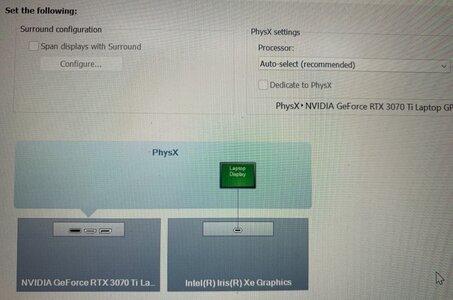
Skip to the bottom if you just want Cliffs.So I’ve been really struggling to figure out if my laptop is or isn’t compatible with the PSVR2. As I understand it you need a DisplayPort OR USB-C that is DP compatible and is connected to the GPU.
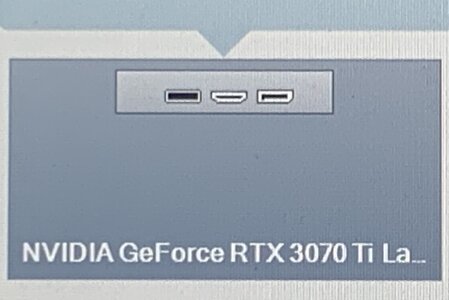
My laptop doesn’t have a DisplayPort, but it does have a USB-C port which although it doesn’t have the little “DP” symbol next to it which is supposed to be how you tell, according to the specifications and the manufacturers website they claim that it is DP compatible.
View attachment 1074917View attachment 1074918View attachment 1074919
They claim port five is USB-C with DP even though it’s not marked as such on the actual laptop.
But turning to the next issue is how can I tell if the port actually connects to the GPU or not. As I understand it if it only connects to the motherboard it will only have integrated graphics, not the discrete GPU and VR will not work at all.
Is there anyway to tell for sure @Madmick @jefferz @Slobodan ? I don’t want to waste money on acquiring not just the PSVR2 to PC adapter but also a USB-C to DisplayPort adapter.
Before looking at anything my powerful prejudice is to assume the USB-C port runs through the motherboard, and isn't a direct port built onto the GPU itself. That would be my assumption with any laptop. Here is its support page (with manuals):
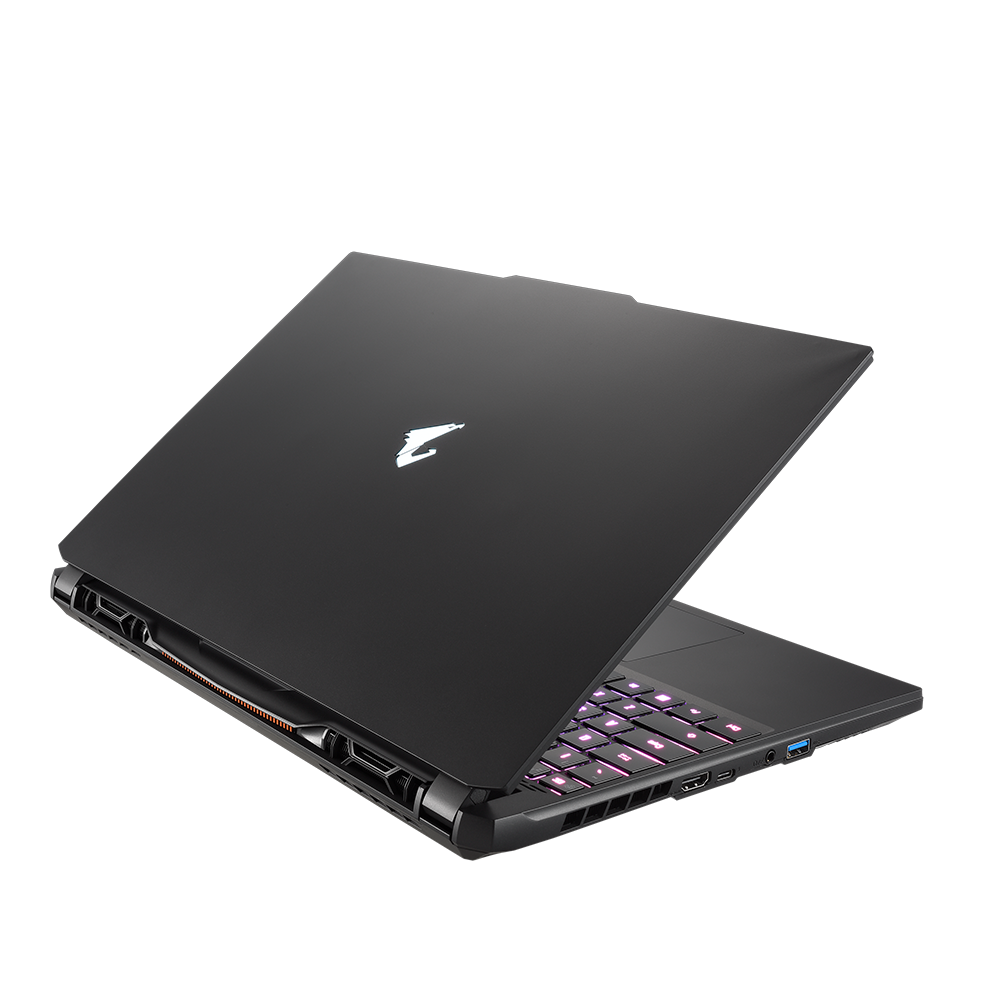
AORUS 15 (Intel 12th Gen) Support | Laptop - GIGABYTE Global
World’s leading brand of the best gaming laptops and creator laptops. Produce the thinnest, lightest, and high-performance laptops for gamers and creators.
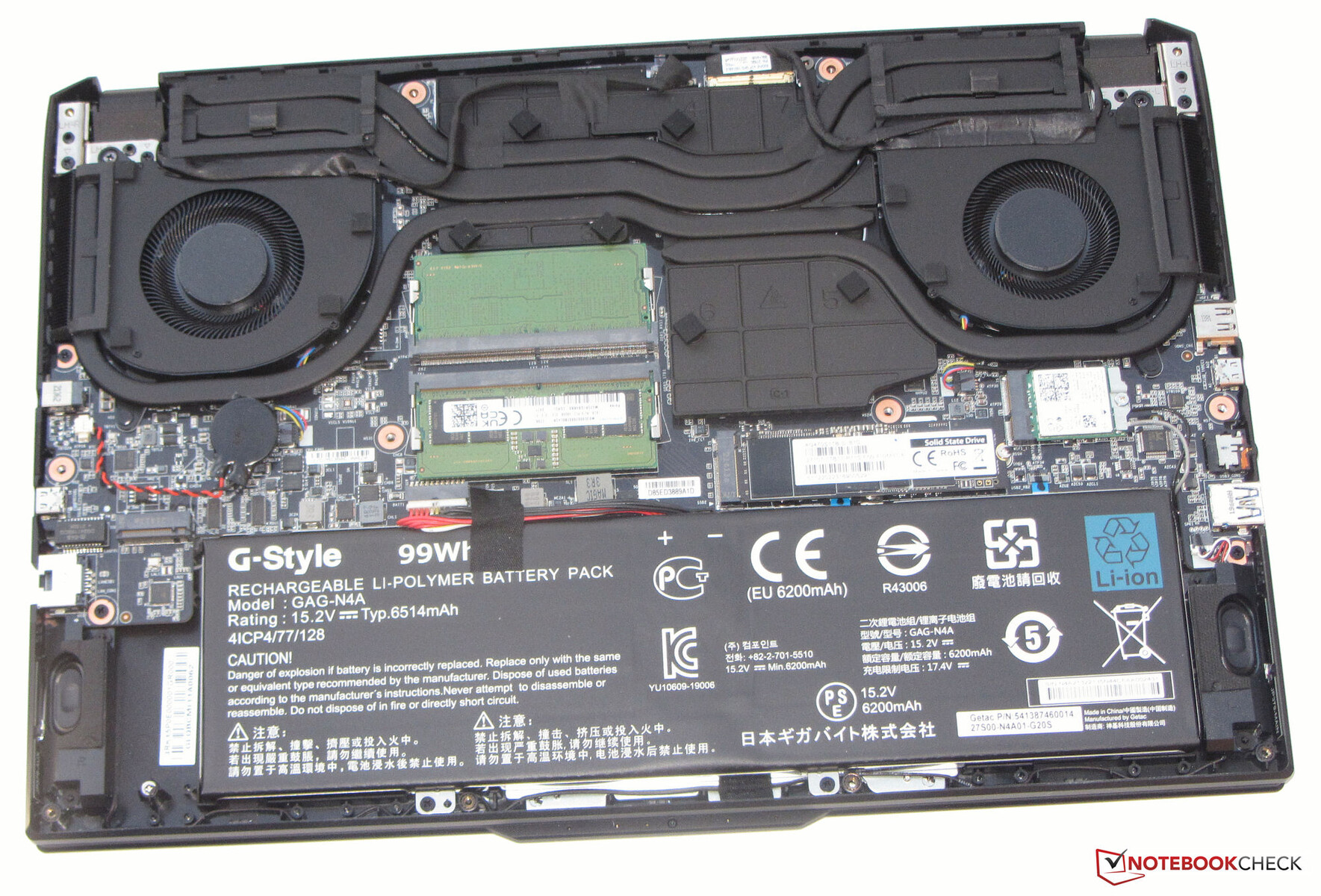
But they usually don't even show schematic blueprints in the most detailed user manuals, so I checked my favorite German laptop reviewer for screenshots. In the below photo, we're looking from underneath; the top of the photo shows the rear of the laptop, the bottom the front, and so the right side of the photo is the left of the laptop when it's sat upright in front of you as you would use it which is the side that port is on.
So zoomed in:
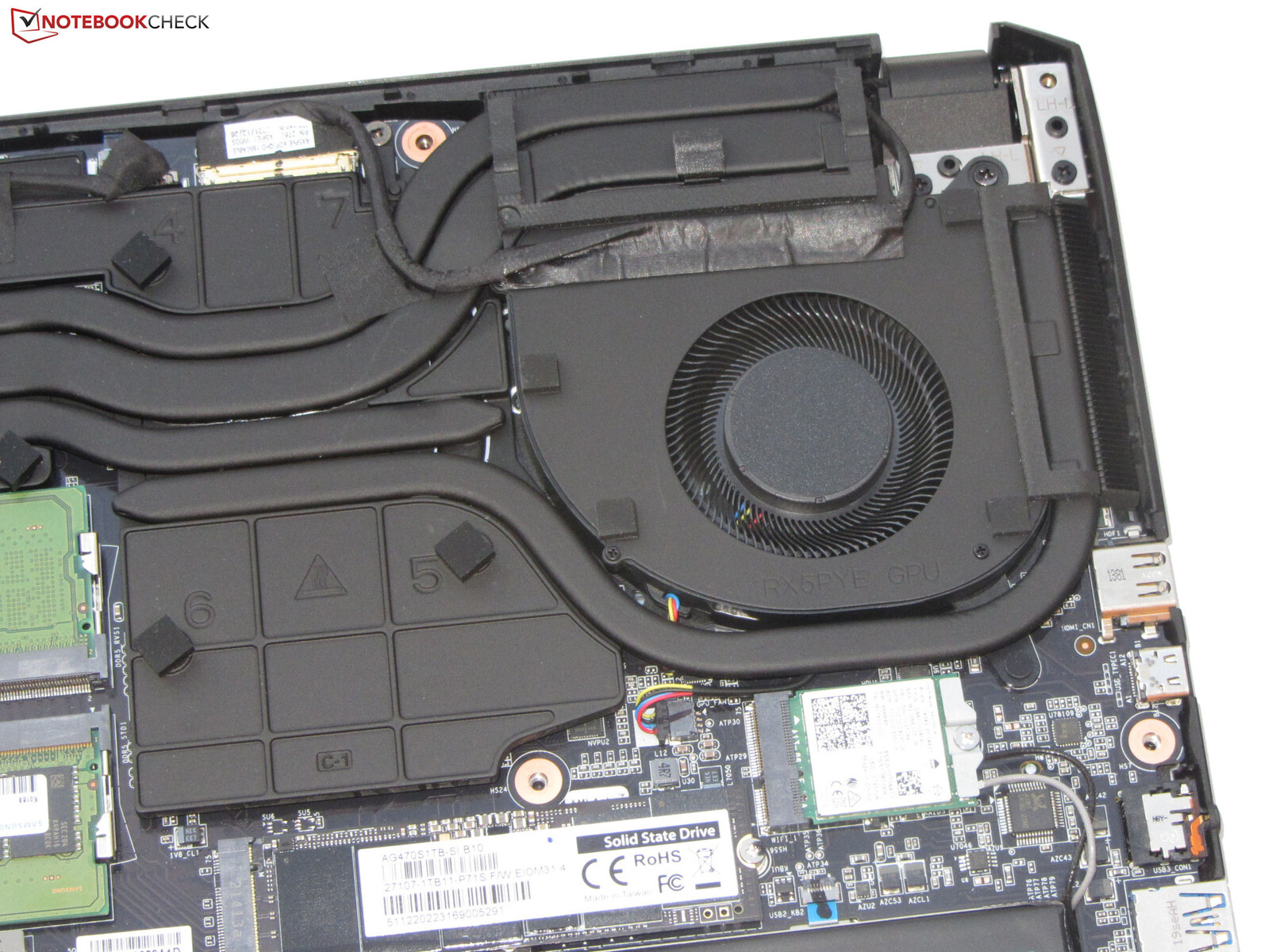
That appears to be motherboard to me, not the GPU itself extending out from underneath the "RX5PYE GPU" label. You can see that with the "USB3_CON1" markings and other notations typical of a motherboard. It's tougher to tell since 'discrete' GPUs even in laptops don't come encased in all of the shrouding plastic and fans like they do in desktop GPUs, due to space issues, it's just the fiberboard and circuits, so it looks just like a motherboard, you can see that if you watch a GPU teardown video, but I think the GPU there is hidden under those snakey-looking heat dissipation pipes, and the fan itself, along that top right side quadrant of our zoomed in photo.
Okay, having said all that, I don't think the concern here is a direct connection. That's incindental. The concern with more direct connections is bandwidth. Less direct connections, which mean data has to traverse more bridges on a motherboard, usually means being routed through lanes that have less bandwidth. While PSVR2 may require Displayport for its protocol, and that's why a regular USB port with sufficient bandwidth wouldn't work, it appears your laptop's port supports Displayport protocol, so fortunately for you, I think your only concern is bandwidth.
CLIFFS
A Google tells me PSVR2 requires a Displayport 1.4 connection meaning 32.6 Gbps bandwidth. But that port is a USB-C 3.2 Gen 1 port. The maximum bandwidth supported by such a port is 10.0 Gb/s at most (8.0 Gb/s effective). The fact it can carry a video signal means it can output video to another display or device through that port using the Displayport protocol. Unfortunately, that isn't sufficient to power the PSVR2 which is a seriously high-performance gaming device which simply requires a larger, faster pipe to pump out the data.
So, no, I don't believe your laptop is PSVR2 compatible.