Since we're talking about storage, I think it would be a good time to talk about PCIe NVME riser cards.
If you've used all the M.2 slots on your motherboard, but you want more NVME storage. What do you do?
Buy a bigger drive, and retire your old one. Or, you could get a PCIe riser card, and keep your old drives.
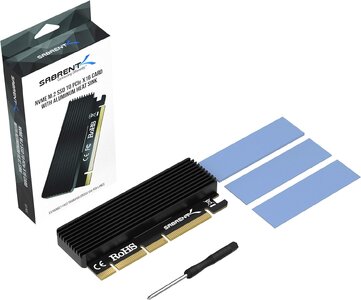
Put your new NVME drive in the riser card, install it into a PCIe slot, and you have another drive for storage. There's no additional software to install, there's no performance hit*. It acts just like you added any other drive to your system.
Adapter cards are cheap as well. You can find a variety of different types for under $15 on
Amazon. Just make sure to get an NVME based one. If you see a sata port, it's the wrong version.
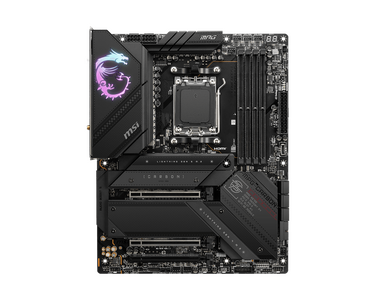
*Make sure to check that the open slot on your motherboard is PCIe 3.0 x 4 compatible for gen 3 speeds, PCIe 4.0 x 4 for gen 4 speeds. You can refer to your motherboard manual to verify the slot is compatible.