STARFIELD discussion

if you want to display your fps on screen, you can first try fraps. but it might not work for this game at least not if you run the game in borderless windowed mode. i havent tried.

if you have the steam edition, you can also enable an fps overlay in the steam settings, and it will display in any game you launch through steam

or you can use the windows game bar. hold the windows button + g and it will come up, then just enable the fps under performance, customize it a bit and pin it to your screen. if that doesnt work you have to enable xbox game bar, either through services or through somehow in the control panel. it works for virtually every game or application, full screen or windowed, with no performance hit. i used to use fraps or the rivatuner statistics server through msi afterburner, but sometimes that wouldnt work for games, and sometimes it would just prevent the games from even launching, depending on the game, and the launcher. but the windows game bar fps counter has always worked for me so i tend to use that.

with all that fsr and dynamic resolution off, you'll be getting framerates consistantly in the 40's outside of the menu's. i mean thats playable. if you dont mind the drawbacks from FSR, you could run the game at 4k on high settings with FSR and probably be closer to 60fps most of the time. that would probably be a better tradeoff IMO. you probably wouldnt notice much difference between high - ultra, but the visual difference between FSR on and off will be distinguishable. there is a patch out right now to trick the game into using DLSS, but it doesnt actually improve the framerate, it just uses the dlss supersampling which is way better than AMD's FSR. and apparently theres some bugs that go along with it too.

but still the 3080 is a pretty capable card. i would expect a little better performance out of it. especially out of a bethesda game where our cards will just destroy those games at any setting and resolution. aww hell we even have to lock the game engine to 60 fps just to not break the god damn physics. i mean shit, from all of the tables and chairs in skyrim that i've launched into outer space just by uncapping my framerate and walking around them, i'm probably gonna be flying my ship i days and see some of them spinning around in orbit

and this time we need high end hardware and still have to make some compromises just to achieve the kind of performance we're after. with all of the FSR and dynamic resolution bullshit turned off, 4090 users are struggling around 70-80 fps maxed out at 4k. they would probably expect more out of their cards considering the price they pay, and the performance they get in every other game. there's really nothing special about this one. its just stupidly demanding right now and could probably be optimized a hell of alot more.

give it half a year and I'm sure this game will be in a much better place. at least in the optimization department.

I pulled up the Xbox game bar (didn't even know that was possible on Steam games). You can actually fine tune Win 11's auto HDR in there, cool stuff thanks man!!

I was getting low 60-ish FPS in a heated scenario. I dropped my res to 1440p and getting steady high 70's, 80's.

Again, I've only ever used FSR 1 on Steamdeck. I'm pretty impressed with 2.0. They are talking a big game about 3.0, I guess we'll see!
I don't even know why it doesn't work as well as other shooters. The mechanics seem to be there, but there's something stiff about it all, where it seems like you just can't hit your shots where you want to in real time. Almost like there's a slight delay from trigger to target. If this game even made a minor improvement to that system, it should work really well.
What did you play it on? It's been a while for me, but I mostly played on PS4. I just remember being surprised at how well the guns played compared to previous FO games, probably have an overly rosy memory of it.
 
Game kinda runs like shit but that’s usually how all Bethesda games are. No fov slider is also killing me. Gives me a headache. Games fun so far though. About 2 hours in.

also there’s not many advanced video setting tweaks you can go. Fkn gta 5 had like 80 things you can tweak.

If you have a Nvidia card, try downloaded the DLSS mod. I got a decent boost in both image quality and performance using it.

Step by step guide, just make sure to dl dlss 2.5.1 and keep FSR2 setting in-game on like the correction says in the video.
 
Got a handful of hours in the morning and really enjoying it. The only real complaint I have is map navigation. Jumping through menus to get to the proper location and just straight up bad world map.

Hand full of experiences with glitched out AI navigation. Enemies jumping through ceilings is a minor annoyance but was doing a quest and I needed to follow an NPC into a secured area. The NPC got up from her chair and walked in the corner of the room in a small cubby between the wall and a filing cabinet, kicked over a garbage can and proceeded to get stuck in the corner. She kept trying to walk out between kept walking into the walls, cabinet, or getting her path tripped up by the garbage can on the floor. It took a few minutes of nudging her out of the corner before she continued on the right path.


I really hate their map, especially when on a surface. Every time I pull it up it takes me outside the planet, then I have to select ground map, or whatever it's called. Am I doing something wrong?

I really don't like the menu system at all, feels like everything is always couple of clicks away. It's fitting they are owned by m$, as Win 11 added extra clicks to get to functions I use often.

I get a lot of NPC's doing a dance like they are phasing in and out of a Star Trek transporter.

Game kinda runs like shit but that’s usually how all Bethesda games are. No fov slider is also killing me. Gives me a headache. Games fun so far though. About 2 hours in.

also there’s not many advanced video setting tweaks you can go. Fkn gta 5 had like 80 things you can tweak.

Really annoyed by the no fov slider and built in HDR support.

Thankfully Fov is an easy fix.
https://www.rockpapershotgun.com/starfield-fov-change

If you have a Nvidia card, try downloaded the DLSS mod. I got a decent boost in both image quality and performance using it.

Step by step guide, just make sure to dl dlss 2.5.1 and keep FSR2 setting in-game on like the correction says in the video.


Is that the nexus/top mod?

I saw a lot of bugs being reported by users. All good with yours?
 
Been watching a lot of gameplay even if I am not exactly committed to trying out the game.

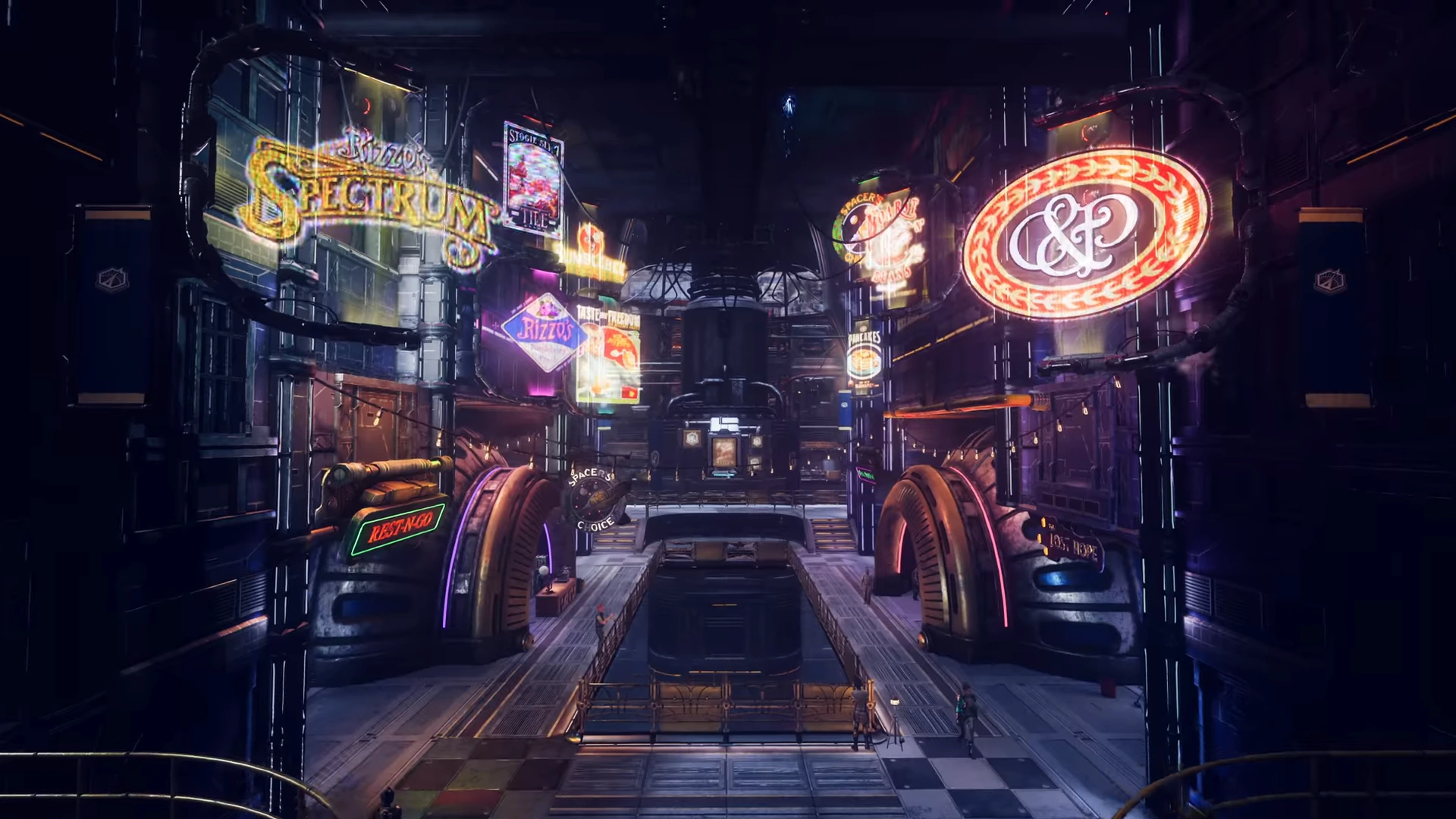
Neon City reminds me of Groundbreaker in The Outer Worlds.


Groundbreaker.png
 
Last edited:
As 3700x is am4 without a full mobo and ram replacement 5800x3d or 5600x3d (if in us and microcenter is an option) are probably the way to go but many fairly inexpensive chip options are available now. But yeah 6800xt is a great inexpensive options unless you want ray tracing.

well still an upgrade to a 5800x3d would be a really good path down the road and he wouldnt need to swap boards and his ram would still be fairly okay. though anything above that and it would probably be optimal to go for a new board and faster ram.

thats the one thing i like that amd has over intel. with intel its pretty much a dead socket every generation and your only feasible upgrade path once it gets older is the is the i9-xx900k matching whatever socket he's running. whereas with amd, this guy has a bit older cpu but he still has a fairly good upgrade path down the road because its not a dead socket. if he doesn't want to go all out on a new board/ram/cpu combo. he could easilly get away with just parking like a standard 5800x in there and still see a whole lot of improvement, especially in games that are cpu heavy. sure maybe he wont be able to run some of the faster clocked ram without swapping boards, but in the grand scheme of things it wouldnt matter too much as he would still be able to get alot of gains.
 
Last edited:
I pulled up the Xbox game bar (didn't even know that was possible on Steam games). You can actually fine tune Win 11's auto HDR in there, cool stuff thanks man!!


no worries. yeah xbox game bar is my go-to if i'm only looking for raw fps. it literally works at everything ive thrown at it. whereas msi afterburner's rivatuner statistics server is much more better for raw benchmarking and displaying other stuff related to that, but it doesnt really play well with any games ran from the epic game launcher or the windows/xbox store. and alot of games, specifically on the microsoft side of things, wont even boot the game or will freeze up if you try to load it in.

aida64 extreme is pretty good too. i used to use that for benchmarking and stuff and i could program it to display all kinds of stuff from clock speeds, temperatures, utilization and fps, and basically any metric that i wanted, and display it on the LCD on my keyboard. it was a really great tool for a whole bunch of neat things, but youd either have to pirate it or spend alot of money just to reap the full benefits so its probably not worth it for the casual user. if youre just after raw fps count, i'd have to recommend the windows game bar all day. even fraps doesnt want to play well with some games these days.
 
If you have a Nvidia card, try downloaded the DLSS mod. I got a decent boost in both image quality and performance using it.

Step by step guide, just make sure to dl dlss 2.5.1 and keep FSR2 setting in-game on like the correction says in the video.


ive been on the fence about the dlss mod but at the same time ive seen a bunch of people reporting glitches and crashes. ive decided not to bother with it because it doesnt seem worth the tradeoff.
 
Last edited:
What did you play it on? It's been a while for me, but I mostly played on PS4. I just remember being surprised at how well the guns played compared to previous FO games, probably have an overly rosy memory of it.

Oh', the gunplay was WAY better than in previous FO games. I was just saying the real time combat wasn't quite up to par with a traditional FPS. It sounds like this game tightened it up a bit more.
 
Is that the nexus/top mod?

I saw a lot of bugs being reported by users. All good with yours?

So far so good. The only bugs I've encounter so far is NPC floating up or descend through floor which already happened before the mod.

For reference, I'm using 7800x3d and 3070ti maxed setting at 2k, without mod, I was getting decent playable frame rate in the first major hub world, but with the mod, the game just feels smoother when I make fast turns.
 
Game kinda runs like shit but that’s usually how all Bethesda games are. No fov slider is also killing me. Gives me a headache. Games fun so far though. About 2 hours in.

also there’s not many advanced video setting tweaks you can go. Fkn gta 5 had like 80 things you can tweak.


Are you on PC? You can change the FOV manually.

in your "Documents/MyGames/Starfield" create a Text file called StarfieldCustom.ini and place in same folder

fFPWorldFOV is for first person
fTPWorldFOV is for third person

here is 100 for both :

[Camera]
fFPWorldFOV=100.0000
fTPWorldFOV=100.0000
 
Last edited:
Already some mods on PC that make minor but welcome changes.

Skip all the intro cutscenes and go straight to menu
https://www.nexusmods.com/starfield/mods/88?tab=files


THis one is pretty cool. It just changes the size and placement of alerts like exp gain and location discovery. Minor change but really nice not to have those pop ups in the middle of the screen. You can even change the enemy powerbars if you choose.s

https://www.nexusmods.com/starfield/mods/214?tab=description


Im always absolutely obsessed with reshaders since they can give drastic aesthetic differences without any performance tweaks or dips. Trying to find that one perfect look. Theres already some good ones, but its nice to remove that slight, dusty tint to the game.

This one goes for a realistic look
https://www.nexusmods.com/starfield/mods/216?tab=files
Vanilla
216-1693578411-474375463.png


reshade:
216-1693578433-1951709859.png


Vanilla
216-1693550800-1970796934.png


reshade:
216-1693550948-139987007.jpeg


This one is a lot more subtle and basically just removes the tint.
https://www.nexusmods.com/starfield/mods/166?tab=images

Vanilla
166-1693662401-73718703.png


reshade
166-1693662435-1671498353.png


Vanilla
166-1693568772-524843180.png


reshade
166-1693568783-1525351837.png


This one is going for a more cinematic feel. No Vanilla shots, though.

https://www.nexusmods.com/starfield/mods/307?tab=images

307-1693612159-1073202009.png


307-1693612235-1923499877.png


307-1693612217-1783234578.png
 
Really enjoying this so far. Currently role playing as a debt collector for The bank in the game. Just stumbled onto it I'm sure why not. Just put the game down. Also ended up getting a new ship doing that mission saw random ship touch down n was like it's mine now tho before that another ship landed also try to steal it I guess it was b or c so couldn't steal it. Currently working on my pilot skill so I can fly b n c ships
 
Already some mods on PC that make minor but welcome changes.

Skip all the intro cutscenes and go straight to menu
https://www.nexusmods.com/starfield/mods/88?tab=files


THis one is pretty cool. It just changes the size and placement of alerts like exp gain and location discovery. Minor change but really nice not to have those pop ups in the middle of the screen. You can even change the enemy powerbars if you choose.s

https://www.nexusmods.com/starfield/mods/214?tab=description


Im always absolutely obsessed with reshaders since they can give drastic aesthetic differences without any performance tweaks or dips. Trying to find that one perfect look. Theres already some good ones, but its nice to remove that slight, dusty tint to the game.

This one goes for a realistic look
https://www.nexusmods.com/starfield/mods/216?tab=files
Vanilla
216-1693578411-474375463.png


reshade:
216-1693578433-1951709859.png


Vanilla
216-1693550800-1970796934.png


reshade:
216-1693550948-139987007.jpeg


This one is a lot more subtle and basically just removes the tint.
https://www.nexusmods.com/starfield/mods/166?tab=images

Vanilla
166-1693662401-73718703.png


reshade
166-1693662435-1671498353.png


Vanilla
166-1693568772-524843180.png


reshade
166-1693568783-1525351837.png


This one is going for a more cinematic feel. No Vanilla shots, though.

https://www.nexusmods.com/starfield/mods/307?tab=images

307-1693612159-1073202009.png


307-1693612235-1923499877.png


307-1693612217-1783234578.png

some of the reshades are gonna be lit, but a good ENB will really gonna bring this game to life.
 
i dont know why but seeing this random, totally non-helpful snarky ass reply from some commenter on reddit has me rolling

3aINQsc.jpg


it trolled the guy into responding though and got him kinda heated while justifying his ram purchase. it was a good ending though, he told the guy he was just joshing him and they kissed and made up.
 
I can't recall the last time I had two games from different companies completely consume me at the same time the way Baldur's Gate 3 and Starfield have. This is Ontario's long weekend, and with my waiting for an Act 3 BG3 patch, the Starfield timing couldn't have been better.

One thing about Starfield that hasn't hooked me is the lore. I think I've just been overwhelmed with systems to read up on things in game. With Bethesda being master world/lore builders, I decided to look up some lore vids and get some more background info on the universe it takes place in.

This is a great video leading into the timeframe of the game, love it!

That theme!!


I haven't watched a full review from anyone, but I saved these guys for when I felt I played enough of the game for myself. This channel has incredible lore videos on Skyrim, def worth the watch. There are no big spoilers.

 
Last edited:
Oh', the gunplay was WAY better than in previous FO games. I was just saying the real time combat wasn't quite up to par with a traditional FPS. It sounds like this game tightened it up a bit more.
Yeah, the shooting feels tight. I'm playing M&K but the time I played with a controller, just to test it out, it felt good there too. If it had vats, I'd probably stick with a controller as I prefer it for ship combat.
 
i dunno if im playing the game wrong but i seem to be just try to melee everything i come across or just attack with my mining laser just to conserve as much ammo as i can. and then near the end of the game i'll probably have so much bullets i will never be able to expend them all if i tried.

maybe i should just start selling alot of shit for ammo too. im still way early into the game but outside of the main starting battle i havent even really used a gun.

i'm probably doing it wrong, but theres a bit of a hoarder and stingy bastard inside of me, just like in fallout.

though if i could get through the game by just smashing everything with a pipe wrench, i probably would. shout out to Big Jim from fallout 4. that monstrocity has gotten me through some rough times. i want to carry on its legacy and fuck the whole universe up with it!

edit: dammit, i cant see anything related to big jim or pipe wrenches in starfield. that kinda bums me out a little. i guess someones gonna have to mod them in, but if i have to go that route, i'd rather just smash everybodies skulls in with a purple dildo.
 
Last edited:
Ended up starting a new character this morning. I went with the Introvert trait, but I pretty much had a companion right out of the gates. Picked Extrovert this time around and the trait that boosts your companions when you do stuff they like. The starter Consolation gal likes "good" choices and that's how I like to play. Read the Wanted trait is good too for bounty hunters to try and take you out so it's a nice little bump in loot. Also more focused on my skills in the beginning going for Security, Weight Lifting, and Persuade to help out in the early game.

Made it to the same spot where I rerolled, so looking forward to getting on with the next batch of quests.
 
Back
Top