- Joined
- Apr 1, 2022
- Messages
- 1,000
- Reaction score
- 10,379


I wanted to get used to using the keyframe animation manually before using the automatic tracking, but I will start to use the automatic tracking.
@Arqueto
I’ve only ever used Picsart on iPhone.
Thanks for the info, man. I did try automatic tracking for the Dog Surfboard gif, but it got lost (as you said) halfway through - the footage was too low res to keep a reliable track. It was even hard to get it acceptable doing it manually because the eyes that I used for the tracking points both turn away from the camera for a few frames.This was a good plan brother and it's definitely an important part of learning how to make gifs. Trackers are great and After Effects has very similar trackers to the ones you described in Resolve and sometimes the trackers just won't work right so having the frame to frame skills is needed when the program you are using is struggling to get a decent track. They can get lost at times especially if something passes across what you are tracking so for example if a hand passes over a face you are tracking or if someone else walks in front of the person you are tracking.
I mainly use Mocha which is part of After Effects but also its very own program and it is very good as it can track and adjust for minor perspective changes it can be tricky to learn but it's worth it as you can also track masks and even though you have to get in there and tweak it a lot it can save you time.
Ok bud, now I know you can make gifs in that. I'm going to download it and have a go and figure it out. I would imagine it would be fine for gifs with a low amount of frames but might struggle with gifs with a higher amount of frames. I don't know though but I would assume that is the case.
Haha, nice. Needs BWR in there teaching me how to surf.
Thanks for the info, man. I did try automatic tracking for the Dog Surfboard gif, but it got lost (as you said) halfway through - the footage was too low res to keep a reliable track. It was even hard to get it acceptable doing it manually because the eyes that I used for the tracking points both turn away from the camera for a few frames.
Check out this new 'Magic Mask' tool in the paid version of Davinci Resolve. It will automatically isolate an object from footage very easily, you'll only need to watch a minute or two to see what it does...

Yep, Davinci resolve has a few different types of automatic trackers - it does pan, tilt, zoom, rotate and 3d.
- It can track the camera movements in footage, and also track the movement of an object in the footage.
- It has a masking tracker which will track a mask onto an object so you can replace the face, or change the color properties of just the face etc.
I wanted to get used to using the keyframe animation manually before using the automatic tracking, but I will start to use the automatic tracking.
- You connect the tracking data to a 'transform' node, which you can then connect to anything you want.
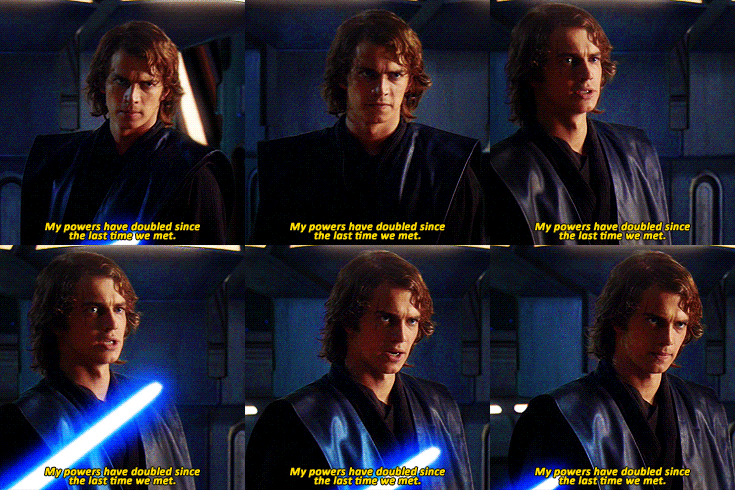

Hahahahaha,Outstanding!
I'd love to be traned in deese Koong Foo if you find that tracker to be good.
That's You~!
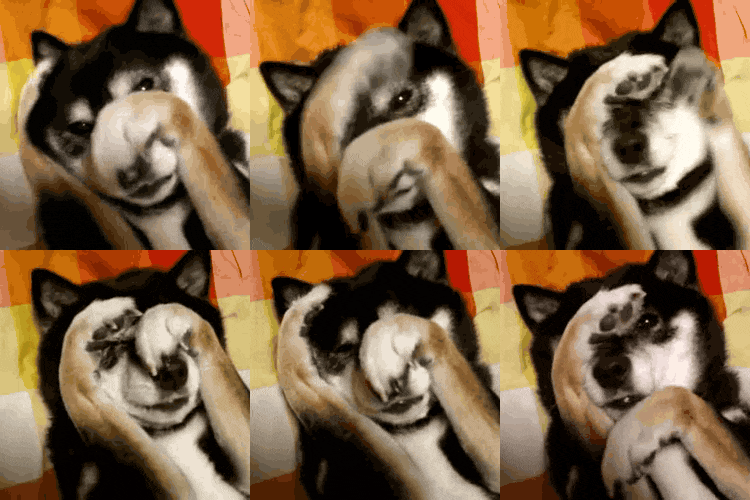

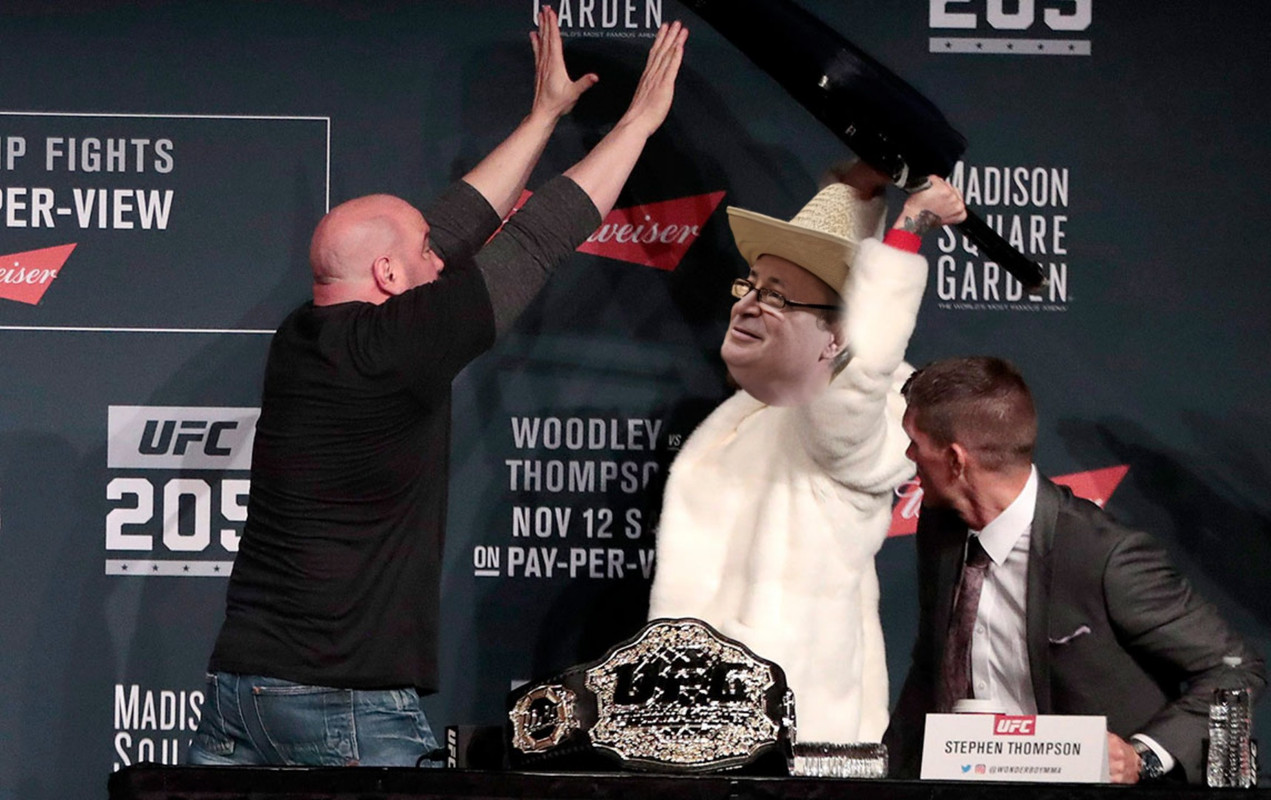
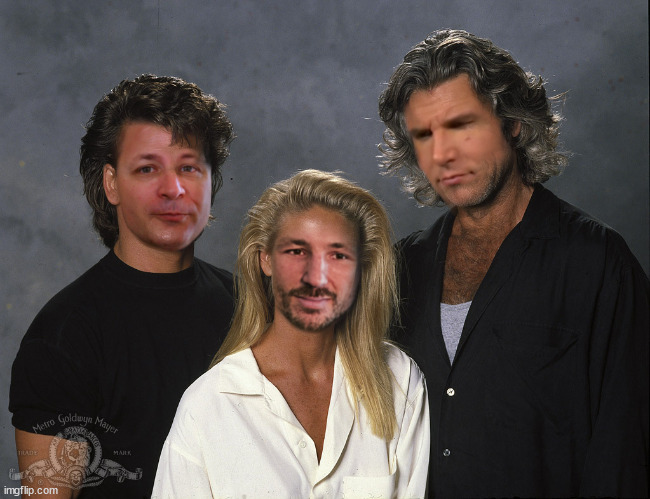
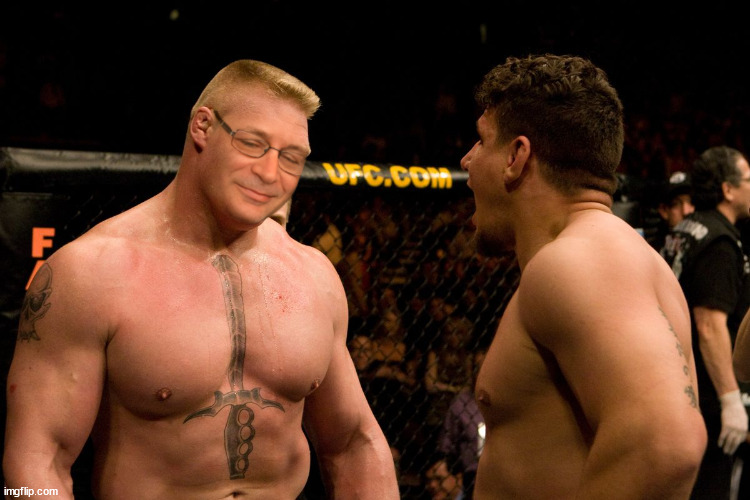
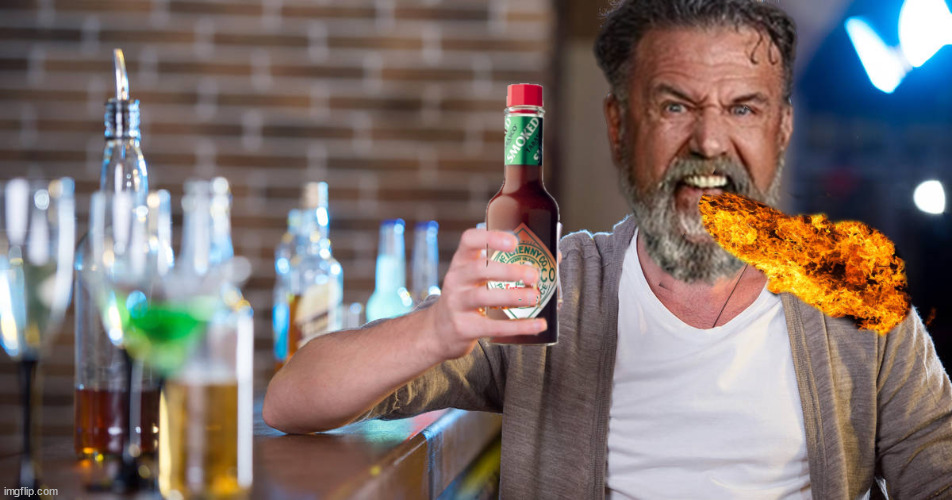
This is gold brother. That probably sumz up what Brother Mike waz all about for the last 5 yearz+ He just wanted some shoopbroz to play with.

Teh chosen one prophesized to bring balance to Sherdog.
 /
/ ) still not sure which of the dozen story-linez I'm prepared to go with atm.
That's what I'm looking for. After Effects with Mocha get it done... but ffs it's complicated AF and you gotta put it in there in some weird specific format & then convert it later when your done... & it really doesn't track any better than anything else imo. I need a fookin' push button gif maker... lol... is that too much to ask for?It's awesome that Adobe now has some legit competition as they have had it easy for too long and they're going to have to step up their game. Cool stuff bud.
Haha, nice. Needs BWR in there teaching me how to surf.

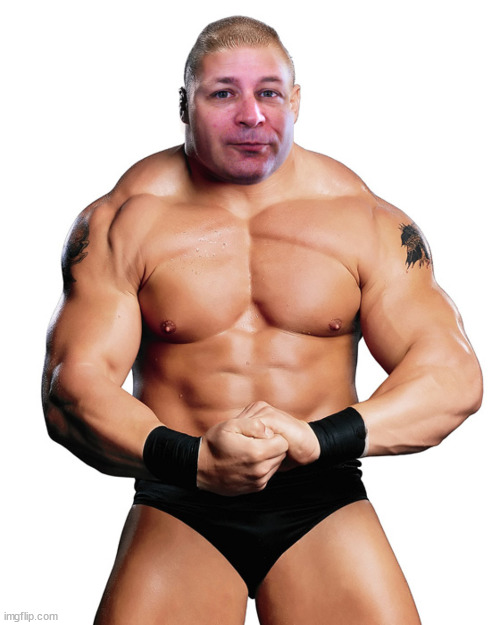
OMG... This is amazingly fooking earie. Hand to heart bro~
For the record... we never hooked up behind teh screen.
Thanks bro. Work has been riding my ass lately so I haven't been able to post as much. They are so annoying with how they want me to do stuff to earn money..the gall!OMG... This is amazingly fooking earie. Hand to heart bro~
For the record... we never hooked up behind teh screen.

Thank you for sharing
Your brother was/is the most important individual on Sherdog in all honesty. He made Sherdog a great place to come to and united all of us through his beautiful spirit and awesome attitude and his shooping skills. Please kiss your mom for raising such a great person. Also a lot of people talk but Mike was a doer and a giver and always upbeat even when he was sick. The world needs more people like him. What’s ironic the last time I spoke to him here I was complaining about some mod about some petty stuff and here was BWR sick as dog and yet tried his best to help me just a few days before his departure to the heavens, that shows who Mike was/is a true heart of gold. He will never be forgotten.
Can’t wait for you to share more pics so other can get more ideas . You all are the bestThanks, Brenda myself and @Myrddin Wild worked hard on the slideshow and @Myrddin Wild did all the music and put the slide show together we both worked on restoring some of the pictures and I made the final eagle sequence and edited it all together with the video. It was a team effort and Wildo's work on the music was incredible as there was no way I could have done as good a job as that.
Once we get Mike's art together and his original files of some of his art we want to make another slideshow just for his art. It would be nice for everyone here to see it too so it's a project we will get too at some point. Thanks for all the support and kind words and thanks for taking the time to send us all the pictures. We will keep this thread going forever.