Tech Gaming Hardware discussion (& Hardware Sales) thread

Based on a chart I've seen, the 5090 vs 4090 has:
32% more CUDA cores (21760 vs 16384)
-4% boost clock (2.41 vs 2.52 GHz)
33% more memory (32 vs 24 GB)
GDDR7 vs GDDR6X
33% wider memory bus (512 vs 384 bit)
27% higher TDP (575 vs 450 W)
33% higher launch price ($1999 vs $1599)

What this mean for actual gaming? Probably depends a lot on the game. I don't know enough about how the architecture actually gets used, but at first blush some of these upgrades seem to be more useful for computation than for gaming (what should be a huge increase in memory bandwidth on top of the 8GB extra total). I imagine this will be an AI monster, hence why nVidia's presentation was so focused on stuff like DLSS and frame generation. There was one infographic (I believe taken directly from their presentation) that was showing a 1080p render upscaled to 4k and then triple frame-genned, meaning the result was only ~6% of what you'd be seeing was traditionally rendered -- the rest of it was an AI making its best guess.

I've never had an nVidia card (ATI x300 to x1550 to HD4870 to HD5950 to AMD RX5700 to RX6800XT) so all this fancy AI stuff does not apply to me, plus I'm a Patient Gamer and I don't think a single game I own has raytracing. My monitor is 1440p/144Hz so I'm not trying to drive big res or piles of frames. Which is a long way of saying: on a personal level, I could not give less of a shit.
I wish you wouldn't hold back and tell me your real thoughts :D

Appreciate the breakdown.
 
Based on a chart I've seen, the 5090 vs 4090 has:
32% more CUDA cores (21760 vs 16384)
-4% boost clock (2.41 vs 2.52 GHz)
33% more memory (32 vs 24 GB)
GDDR7 vs GDDR6X
33% wider memory bus (512 vs 384 bit)
27% higher TDP (575 vs 450 W)
33% higher launch price ($1999 vs $1599)

What this mean for actual gaming? Probably depends a lot on the game. I don't know enough about how the architecture actually gets used, but at first blush some of these upgrades seem to be more useful for computation than for gaming (what should be a huge increase in memory bandwidth on top of the 8GB extra total). I imagine this will be an AI monster, hence why nVidia's presentation was so focused on stuff like DLSS and frame generation. There was one infographic (I believe taken directly from their presentation) that was showing a 1080p render upscaled to 4k and then triple frame-genned, meaning the result was only ~6% of what you'd be seeing was traditionally rendered -- the rest of it was an AI making its best guess.

I've never had an nVidia card (ATI x300 to x1550 to HD4870 to HD5950 to AMD RX5700 to RX6800XT) so all this fancy AI stuff does not apply to me, plus I'm a Patient Gamer and I don't think a single game I own has raytracing. My monitor is 1440p/144Hz so I'm not trying to drive big res or piles of frames. Which is a long way of saying: on a personal level, I could not give less of a shit.
I think you're approaching it all rationally except I would say this. Even at 1440p 144Hz the eye candy AAA games from the past 7-8 years can crunch you below your 144Hz cap on the High/Ultra settings, especially if they do have ray-tracing. I haven't hesitated to mock DLSS/DLAA in its infancy, as new technologies almost always suck at launch, and DLSS 1.0 did, not only because it was a blurry mess, but mostly because there were no games that supported it. Go look at my old posts comparing the 5700 XT vs. 2060 Super for that, or perhaps in particular this one from Oct-2022. Pay attention to this bit:
NVIDIA's DLSS was introduced on February 15, 2019. Right now, not counting demos, there is still only 171 games that support DLSS (165 with DLSS 2.0+). A handful of those are VR games that nobody plays, too. That's a rate of 47 games added per year.
165 games with DLSS 2.0 support on Oct-14-2022. Know how many have DLSS 2.0 support today? 542. Yeah. NVIDIA upped the pace:

Meanwhile, DLSS 3.5+ with frame generation is magic. Just dark freaking sorcery. It's still not perfect, you still get weird shimmering/glittering effects sometimes, but it's usually pretty damn jaw-dropping. It's nearing the point where the retention of image quality in real-time is similar in effectiveness as skillful mp4 re-encodes of video for playback of movies (consider that an uncompressed 1080p 90-minute HDR movie at 30fps would be 1.52 terabytes before you even added audio the next time you watch a YouTube movie of that length that is probably around 2GB-4GB).

And the performance gains for "Quality" mode aren't the 10%-15% figures we were seeing years ago. We're talking ~30ish% gains all the way up to 70%, sometimes. That's nearly doubling the framerate.
11955941,width=178,height=178.png

Finally, most importantly, it's the midrange cards that most gamers buy where DLSS/DLAA matter the most because, unlike the 5090/4090, they can't just eat through pretty much any game out there on the highest settings on rasterization alone.

 
What are some of your thoughts on these cards? It sounds most of the gains are with frame generation. How does that perform with 40 series cards?

I've only been able to use FSR's frame gen with my 3080, and it gave it gave me tons of artifacts with Cyberpunk, so I never bothered. The framerate improvements were crazy though.
The prices for all but the 5090 are on the way back down, which is great.

The 5080 with only 16gb is kind of trash. Games are going over that now in some cases so it’s not very future proof. Sucks because I had high hopes for the 5080, but it’s hard to drop 1k on it knowing full well they handicapped so they can release a 5080 ti or super next year with the appropriate amount of memory for this tier
 
The 5070 only being $550 puts AMD in a bit of pickle.
 
What's unusual? That's the MSRP.

Okay I see it now. Not shipping until mid March.

I thoguht they'd be out of stock for a long time. Everyone's been trying to get their hands on these and lo and behold, you can buy em on amazon
 
I thoguht they'd be out of stock for a long time. Everyone's been trying to get their hands on these and lo and behold, you can buy em on amazon
Damn, these corporations have successfully managed our expectations to get excited about buying a CPU at MSRP with an 11-week wait two months after launch.
 
The prices for all but the 5090 are on the way back down, which is great.

The 5080 with only 16gb is kind of trash. Games are going over that now in some cases so it’s not very future proof. Sucks because I had high hopes for the 5080, but it’s hard to drop 1k on it knowing full well they handicapped so they can release a 5080 ti or super next year with the appropriate amount of memory for this tier
Yeah, the Vram really sucks on that. I was hoping for a bit more to carry it for a long time. Would have been an insta buy otherwise.

Maybe a Super or Ti version will add to it next year.
 
Based on a chart I've seen, the 5090 vs 4090 has:
32% more CUDA cores (21760 vs 16384)
-4% boost clock (2.41 vs 2.52 GHz)
33% more memory (32 vs 24 GB)
GDDR7 vs GDDR6X
33% wider memory bus (512 vs 384 bit)
27% higher TDP (575 vs 450 W)
33% higher launch price ($1999 vs $1599)

What this mean for actual gaming? Probably depends a lot on the game. I don't know enough about how the architecture actually gets used, but at first blush some of these upgrades seem to be more useful for computation than for gaming (what should be a huge increase in memory bandwidth on top of the 8GB extra total). I imagine this will be an AI monster, hence why nVidia's presentation was so focused on stuff like DLSS and frame generation. There was one infographic (I believe taken directly from their presentation) that was showing a 1080p render upscaled to 4k and then triple frame-genned, meaning the result was only ~6% of what you'd be seeing was traditionally rendered -- the rest of it was an AI making its best guess.

I've never had an nVidia card (ATI x300 to x1550 to HD4870 to HD5950 to AMD RX5700 to RX6800XT) so all this fancy AI stuff does not apply to me, plus I'm a Patient Gamer and I don't think a single game I own has raytracing. My monitor is 1440p/144Hz so I'm not trying to drive big res or piles of frames. Which is a long way of saying: on a personal level, I could not give less of a shit.
The 5090 is very relevant to me but I think you raise an important point about DLSS and AI. As an offshoot from that thought, I think pretty soon those kinds of things will become less of a proprietary and more of an engine function. But unlike you I am not patient- I really want to play Cyberpunk and won't do it until I get everything maxed with over 120 fps which has me frothing for this next line of GPU's.

Ray Tracing is an odd thing because there are many games in which it adds a nearly non-existent amount of utility. RE8 had ray tracing and I toggled it on and off looking for improvements. But something like The Ascent, RT makes an enormous difference.
 
Nerds! (I say that lovingly), I need your help. I'm wanting to pick up a new gaming monitor. Right now my main monitor is an aging LED Asus predator X34 (overclockable to a max 100 hz refresh) which is over 8 years old at this point.

About a year ago I got a new PC with a i7-13700 CPU / 4080 GPU.

I think I want to keep my old predator monitor, but buy a monitor desk arm to keep the predator on top of a new monitor (I like the 34 inch widescreen from a web-surfing and spreadsheet using perspective).

I am not into competitive gaming at all, but I like games, so I don't want something super high refresh rate. I am more interesting in playing games that will look great at high setting, and I'm thinking in 4K. I also do a fair bit of photo editing so a quality OLED I am after.

Any recommendations on what works best, and his good value (I'm more concerned about quality than price, but I don't want to spend a whole ton to have the absolute latest and greatest)? I don't want something that is too small relative to the x34. But it seems like 4K monitors are mostly maxed out at 27 inches? And do you think it would be odd to have a curved monitor sitting on top of a non-curved monitor? I won't be back in the country for a few months, so wonder if anything new and exciting is on the horizon?
 
I am not into competitive gaming at all, but I like games, so I don't want something super high refresh rate. I am more interesting in playing games that will look great at high setting, and I'm thinking in 4K. I also do a fair bit of photo editing so a quality OLED I am after.


I have the 27" version and love it.
 

I have the 27" version and love it.
@Unknown Pleasures
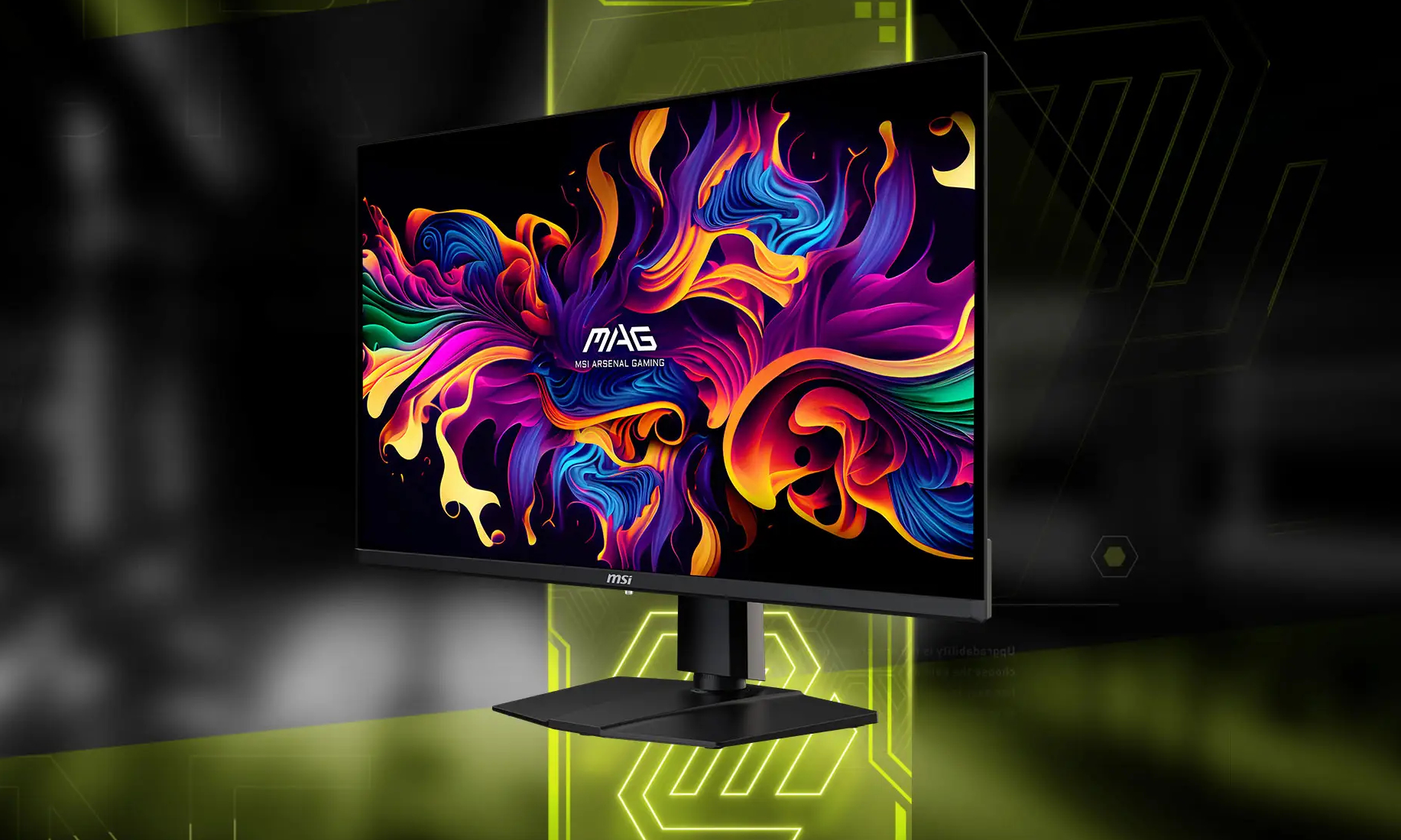
If you live near Microcenter and can buy in-store from them, opt for this model since it's $150 cheaper ($800 vs. $950). If not, and you are buying from Amazon or Best Buy, get the MSI MAG 321URX instead. The only difference is that it has more ports-- USB ports in particular. And via Amazon or Best Buy it is the same price ($900).

Notebookcheck said:
Additionally, both monitors feature DisplayPort 1.4a, HDMI 2.1 and USB Type-C video ports, along with a 3.5 mm audio jack. However, only the MPG 321URX QD-OLED has dedicated USB ports, just like the MPG 271URX QD-OLED. Specifically, the former contains one USB 2.0 Type-B port and a pair of USB 2.0 Type-A ports, plus 90 W Power Delivery support via its USB Type-C port compared to 15 W for the MAG 321URX QD-OLED.

Two alternatives are the Dell Alienware AW3225QF and Gigabyte AORUS FO32U2, but they cost an extra $200+ and don't have meaningful advantages to justify the difference. The best of the three would be the Dell due to superior color accuracy, particularly color accuracy out of the box without colorimeter calibration.
 
@Unknown Pleasures
If you live near Microcenter and can buy in-store from them, opt for this model since it's $150 cheaper ($800 vs. $950). If not, and you are buying from Amazon or Best Buy, get the MSI MAG 321URX instead. The only difference is that it has more ports-- USB ports in particular. And via Amazon or Best Buy it is the same price ($900).


Two alternatives are the Dell Alienware AW3225QF and Gigabyte AORUS FO32U2, but they cost an extra $200+ and don't have meaningful advantages to justify the difference. The best of the three would be the Dell due to superior color accuracy, particularly color accuracy out of the box without colorimeter calibration.
Every single MSI product I've ever owned has failed prematurely. Graphics cards. Motherboard. Monitor. They are the only computer company I've had those sorts of failures from and I will never buy another one of their products, regardless of the category.
 
Damn it, I'm tempted to build a new PC now and I just got an upgrade like 9 months ago.

I'm putting together in my head:

9800x3d
rtx5080
 
Nerds! (I say that lovingly), I need your help. I'm wanting to pick up a new gaming monitor. Right now my main monitor is an aging LED Asus predator X34 (overclockable to a max 100 hz refresh) which is over 8 years old at this point.

About a year ago I got a new PC with a i7-13700 CPU / 4080 GPU.

I think I want to keep my old predator monitor, but buy a monitor desk arm to keep the predator on top of a new monitor (I like the 34 inch widescreen from a web-surfing and spreadsheet using perspective).

I am not into competitive gaming at all, but I like games, so I don't want something super high refresh rate. I am more interesting in playing games that will look great at high setting, and I'm thinking in 4K. I also do a fair bit of photo editing so a quality OLED I am after.

Any recommendations on what works best, and his good value (I'm more concerned about quality than price, but I don't want to spend a whole ton to have the absolute latest and greatest)? I don't want something that is too small relative to the x34. But it seems like 4K monitors are mostly maxed out at 27 inches? And do you think it would be odd to have a curved monitor sitting on top of a non-curved monitor? I won't be back in the country for a few months, so wonder if anything new and exciting is on the horizon?
I had that exact same monitor and loved it. Have a newer version of it now.

I think at this CES they just announced a widescreen in that aspect at 4k and in OLED. It’s probably going to be expensive, but if you’re using it for 8 years like the one you have now I think that’s still a good bargain

Edit: https://www.lgnewsroom.com/2024/12/...g-monitor-winner-of-three-awards-at-ces-2025/

Another one on the way
 
Last edited:
Back
Top