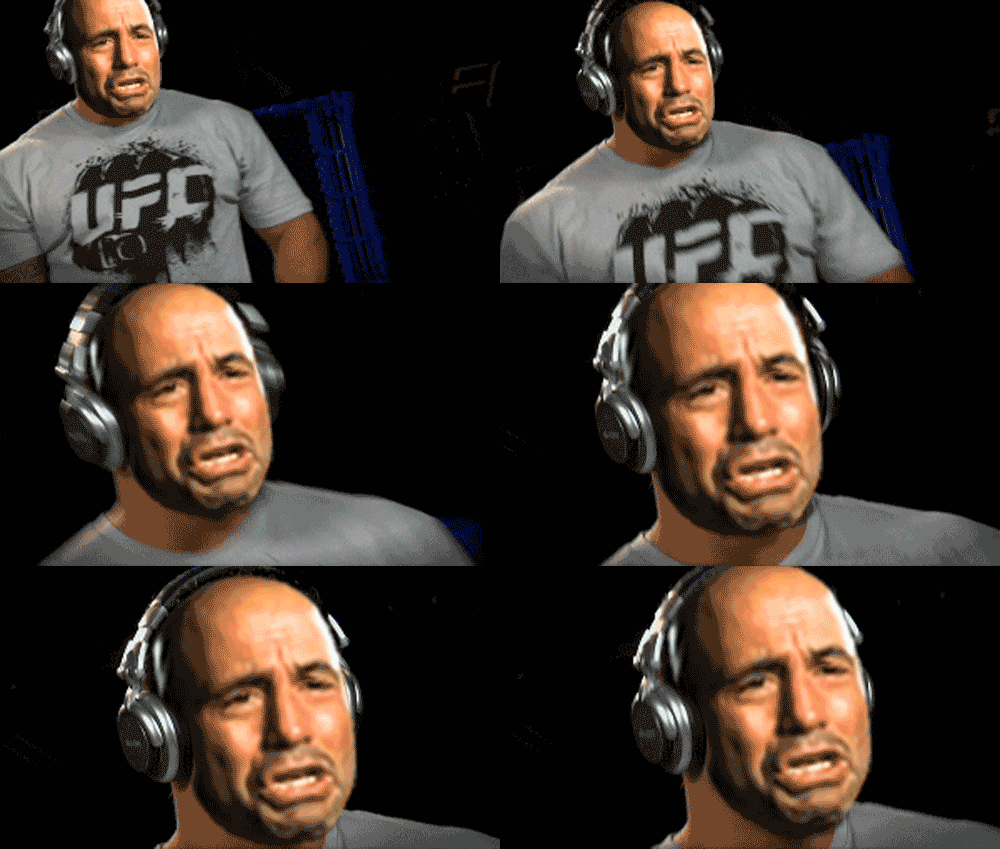
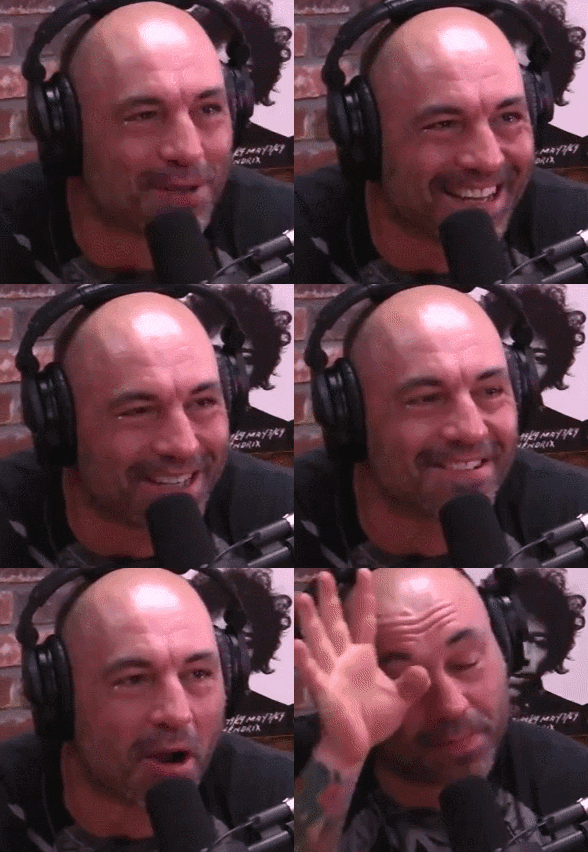
Shoop Dat Mir Headphones Gif

In.

200w.gif

Have you ever posted the same gif twice? This one's hilarious.

 
CHOCOLATE AL

btjZh83.gif


Headphone template. These were cut out and rebuilt from the Mir Headphone gif. There is some slight shadowing on the inside which should make them look a little more realistic when placed on your subject's head. They may need to be resized or warped into place. Any difficulties, let me know.

EDIT: If you need to add a little more to the headphones to make them fit your subject, use this awesomely awesome Content Aware Tutorial by @blackhat. I had to use this technique for both BJ and Chuck headphone gifs. Post #88.

http://forums.sherdog.com/threads/t...-and-q-a-thread.3085313/page-2#post-116449843


pC9mKoA.png
 
Last edited:
Have you ever posted the same gif twice? This one's hilarious.
I found it today and couldn't stop laughing, so yes, this one gif earned the repeat. LOL.


PS: I think the thread where I used it got deleted tho.
 
BJ Penn.. is da bes...

6ILuqHQ.gif
 
Last edited:
An old one made long time ago for PVZ

fERpP7W.gif
 
How did you make the head enlarge so smoothly as the camera pans in?

Did you use PS to make it?

Nope I used After Effects. After Effects is way superior for tweening.

You can put BJ on frame 1, then resize him say on frame 10. AE auto resizes the frames in between. It may come out perfect, but more than likely you will still have to go back and resize some of the frames manually. You can use this tweening to move BJ from left to right if needed, or you can tween a rotation. Also, AE moves images less than one pixel so you don't get that snapping/jerking motion like you do in PS.

For my first 6 months of Shooping I used to use Flash to do this, but AE has so many other tricks up it's sleeve that I rarely use Flash anymore.
 
Could be better if you use the headphone template and merge it with Rogan layer, before adjusting the positions :D

I know After Effects has some kind of tool where you can lock an image onto a specific part of a moving video and it will intelligently follow it around, then you can smoothly increase the size as the camera pans in.

Not sure if it's possible to do in photoshop though.

I'm hesitant to crack open AE because I know it will take me forever to get used to it again haha.
 
Nope I used After Effects. After Effects is way superior for tweening.

You can put BJ on frame 1, then resize him say on frame 10. AE auto resizes the frames in between. It may come out perfect, but more than likely you will still have to go back and resize some of the frames manually. You can use this tweening to move BJ from left to right if needed, or you can tween a rotation. Also, AE moves images less than one pixel so you don't get that snapping/jerking motion like you do in PS.

For my first 6 months of Shooping I used to use Flash to do this, but AE has so many other tricks up it's sleeve that I rarely use Flash anymore.

Ya AE is so powerful :D

Even when I used it I wasn't that good though. I basically just edited templates from videohive and some other basic stuff.
 
I found it today and couldn't stop laughing, so yes, this one gif earned the repeat. LOL.


PS: I think the thread where I used it got deleted tho.

This is definitely the first time I saw it. I never see the same gifs twice from you. I had to save this to the hard drive.
 
Back
Top