Tech End of Windows 10 Support - Do I really need a new computer?

Grassshoppa

Brown Belt
@Brown
Joined
Feb 14, 2010
Messages
4,488
Reaction score
2,406
Purchased my computer from Costco in December, 2016. Still runs great. It runs Windows 10 and isn't compatible to upgrade to Windows 11 although ChatGPT says I can do an official Microsoft-supported bypass method so I can install Windows 11 on my i7-6700 PC even though it’s “unsupported.”. Windows 10 support ends soon. Do I really need to buy a new computer or is this just a money grab by Microsoft? I only use the computer for a few websites (no bad sites), email, and online banking. No games. I use Bitdefender Total Security. I was able to enroll in extended security updates until October 13, 2026 for free.

Do I really need to buy a new computer now or after extended support ends on October 13, 2026? Or can I just keep using mine safely until the HD fails? Here are the specs:

HP - OMEN by HP Desktop - Intel Core i7 - 16GB Memory - NVIDIA GeForce GTX 1070 - 256GB Solid State Drive + 2TB Hard Drive - Gun metal/Jack black/Brushed aluminum front panel
  • Model: 870-080
 
Mine says I can't and a list of numerous models tested by computer maker didn't list mine, but I read something saying although the computer might seem like it can't use 11, you can enable something in the BIOS and I haven't looked at my BIOS yet.

I am leaning towards the extra one year because I want the extra patches before I switch to offline use only. I'm not sure what the current deal is because I read Microsoft extended for one year, no idea if I have to do something, and this is after reading you have to either allow online backups or don't then pay for the extra year of patches.

I don't like the idea of making everyone upgrade to new computer for more corporate profits. I feel like this type of thing with potential mass security implications for government and ordinary general public should have the OS patched as long as X # of people are using it. The standard should be higher because of the potential damage. Tons of businesses likely can't afford to upgrade tons of computer and will then create problems for many people's data, etc.

After a year of extended patches, I plan to buy a new smaller footprint PC. I don't like having to mess around with making sure all my frequent use software and printer, scanner still work. I once learned the hard way I needed the old computer using old OS in order to connect to printer in order to download and install the newest firmware to get printer to work on new computer with new OS.

I also don't like having to buy MS Office again.
 
Mine says I can't and a list of numerous models tested by computer maker didn't list mine, but I read something saying although the computer might seem like it can't use 11, you can enable something in the BIOS and I haven't looked at my BIOS yet.

I am leaning towards the extra one year because I want the extra patches before I switch to offline use only. I'm not sure what the current deal is because I read Microsoft extended for one year, no idea if I have to do something, and this is after reading you have to either allow online backups or don't then pay for the extra year of patches.

I don't like the idea of making everyone upgrade to new computer for more corporate profits. I feel like this type of thing with potential mass security implications for government and ordinary general public should have the OS patched as long as X # of people are using it. The standard should be higher because of the potential damage. Tons of businesses likely can't afford to upgrade tons of computer and will then create problems for many people's data, etc.

After a year of extended patches, I plan to buy a new smaller footprint PC. I don't like having to mess around with making sure all my frequent use software and printer, scanner still work. I once learned the hard way I needed the old computer using old OS in order to connect to printer in order to download and install the newest firmware to get printer to work on new computer with new OS.

I also don't like having to buy MS Office again.

Why would you have to switch to " I switch to offline use only." ?
I have an older PC that runs win10 and it cant run 11.
I use it on the internet no problem, most programs I use I can update no problem.
 
Mine says I can't and a list of numerous models tested by computer maker didn't list mine, but I read something saying although the computer might seem like it can't use 11, you can enable something in the BIOS and I haven't looked at my BIOS yet.

I am leaning towards the extra one year because I want the extra patches before I switch to offline use only. I'm not sure what the current deal is because I read Microsoft extended for one year, no idea if I have to do something, and this is after reading you have to either allow online backups or don't then pay for the extra year of patches.

I don't like the idea of making everyone upgrade to new computer for more corporate profits. I feel like this type of thing with potential mass security implications for government and ordinary general public should have the OS patched as long as X # of people are using it. The standard should be higher because of the potential damage. Tons of businesses likely can't afford to upgrade tons of computer and will then create problems for many people's data, etc.

After a year of extended patches, I plan to buy a new smaller footprint PC. I don't like having to mess around with making sure all my frequent use software and printer, scanner still work. I once learned the hard way I needed the old computer using old OS in order to connect to printer in order to download and install the newest firmware to get printer to work on new computer with new OS.

I also don't like having to buy MS Office again.
Your computer isn't going to stop working. It has just reached its end-of-life for Windows Updates. So it will work exactly the same as if you used it without ever installing a Windows update. That's it. It's no big deal.
 
Or switch to Linux.
Mint looks a lot like Windows.
And its one of the easiest linux to use
I have been running Mint on my laptop for a couple years now. Zero issues, and runs so much better than Windows.
 
You'll be fine for a while as long as you aren't doing anything too crazy or sketchy. There is still quite a lot of people who haven't updated yet, most of that happens at the last minute or slightly after.
 
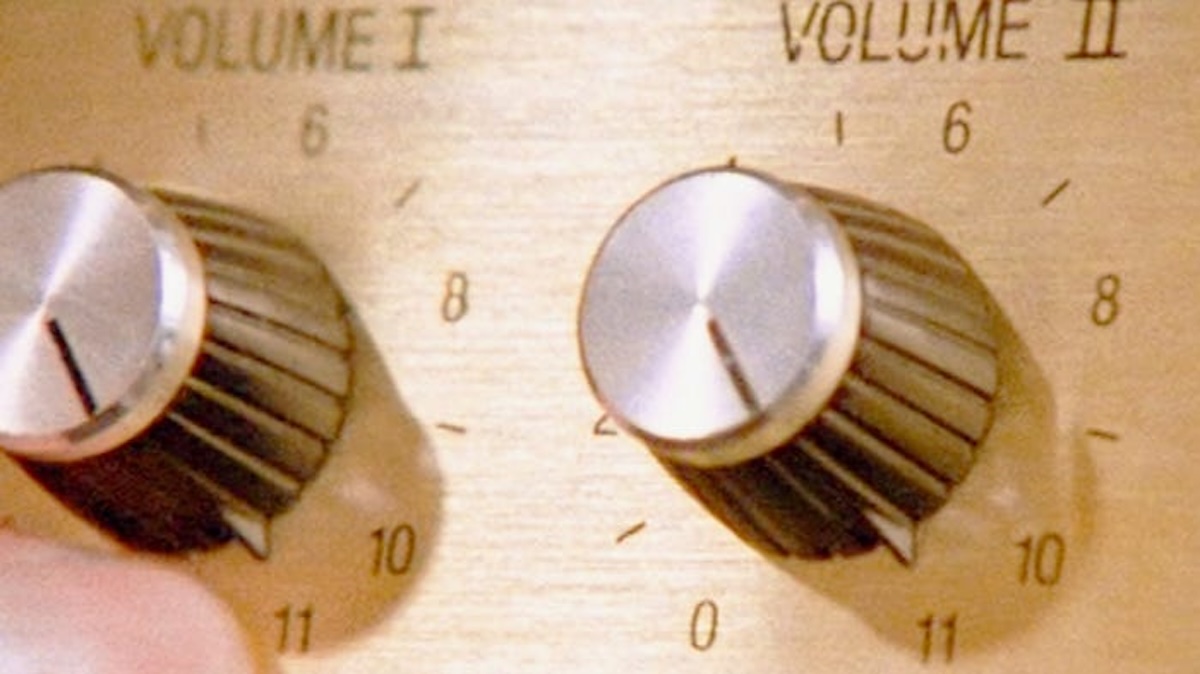
You don't want to be stuck on Windows 10 when everyone else's goes up to 11
Goes-to-11.jpg

2011-11-11_nigel_tufnel_eleven-e1321032102834.gif
 
11 sucks horse cock. The only positive is better hdr support. 10 has a lot of bloat and the like, but it's relatively easy to change it to be less shitty and closer to 7 in functionality.

Microsoft recently came out with a way to get extended support for 10, I forget the specifics though. Just watch your online activity and have some good secondary protection and you should be ok.
 
11 sucks horse cock. The only positive is better hdr support. 10 has a lot of bloat and the like, but it's relatively easy to change it to be less shitty and closer to 7 in functionality.

Microsoft recently came out with a way to get extended support for 10, I forget the specifics though. Just watch your online activity and have some good secondary protection and you should be ok.
Better screen splitting for multiple windows is nice too for 11. Honestly, most people won't notice a change for better or worse.
 
Your computer isn't going to stop working. It has just reached its end-of-life for Windows Updates. So it will work exactly the same as if you used it without ever installing a Windows update. That's it. It's no big deal.
You are acknowledged as the smart guy here, so I respect your comments. My understanding is future vulnerabilities won't be patched or patches won't be available to non-business/government users who don't pay extra to Microsoft. I thought if I continue to use the old OS online, new vulnerabilities will fook with me. Is that not something to worry about?
 
You are acknowledged as the smart guy here, so I respect your comments. My understanding is future vulnerabilities won't be patched or patches won't be available to non-business/government users who don't pay extra to Microsoft. I thought if I continue to use the old OS online, new vulnerabilities will fook with me. Is that not something to worry about?
That's the concern, yes. You lose security patches when an OS sees end-of-life.

But you already mentioned you use a third party AV. Those are updated to guard against all the latest exploits and viruses that see widespread dissemination. For hardware-level exploits, you just want the latest drivers, that's all Windows fetches for you with Windows Update, and you can manually update anything yourself from the Device Manager or through software utilities. You're already familiar with some of it, I'm sure. For example, the NVIDIA app handles NVIDIA GPUs, Radeon Adrenalin handles AMD GPUs. Most motherboard manufacturers have a software app that seeks out all associated hardware in the motherboard and updates it (i.e. sound card, WiFi/LAN cards, Serial I/O, SATA drivers, stuff like that). You can also use Windows itself to search online for the latest driver updates for components like the CPU; etc.

For example, your computer should come with software called HP Support Assistant. If that has been killed off, there might also be software called Omen Gaming Hub to replace it. If it's not already on the computer you should be able to find it here to download:
The main support page for your comp is here:

I'm not a security specialist, but the only thing I can think that might be exploited by Window 10's end-of-life that you couldn't handle yourself would be an exploit of Windows itself, something that only Microsoft itself is responsible for patching, and frankly, I find it hard to believe that Microsoft would idle if some group out there created a new hack that was ravaging millions of users across the world on older hardware. Just seems like a major liability to me. I can't imagine any amount of digital consent forms would shield them from a class action lawsuit they'd rather avoid (not to mention the bad press).
 
One of those computer maker support assistants was directly responsible for crippling my computer by using max CPU and max disk and basically making me unable to turn off the computer after I was done or risk something becoming unstable next time I turn it on, so had to leave it on for several hours until it finished and resource use was back to low single digits %. This was daily.

I rarely see Windows Updates including driver updates each month. Very rare and when it does, it's like something to do with monitor.

I vaguely remember after Microsoft ended support for XP, at some point there was some big vulnerability they patched, but I don't assume they will continue doing that and XP I think was still widely used by businesses and government at the time. I think Apple patched iOS for older devices they stopped supporting at least a handful of times.
 
Back
Top